

Every utility has its own operating procedures and business requirements, so the interface is configured, not programmed, to match your operating environment, and it adjusts as those requirements change.
WorldView is designed for responsive navigation across large, information-dense SCADA displays. Operators can pan, zoom, and redraw large transmission and distribution system maps smoothly, including on multi-monitor control-room workstations, without requiring a discrete graphics card. The result is a more responsive display experience when working with complex system views and large numbers of monitored assets.
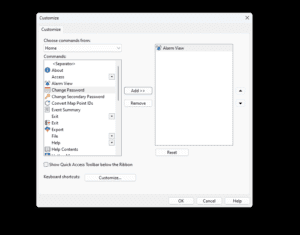
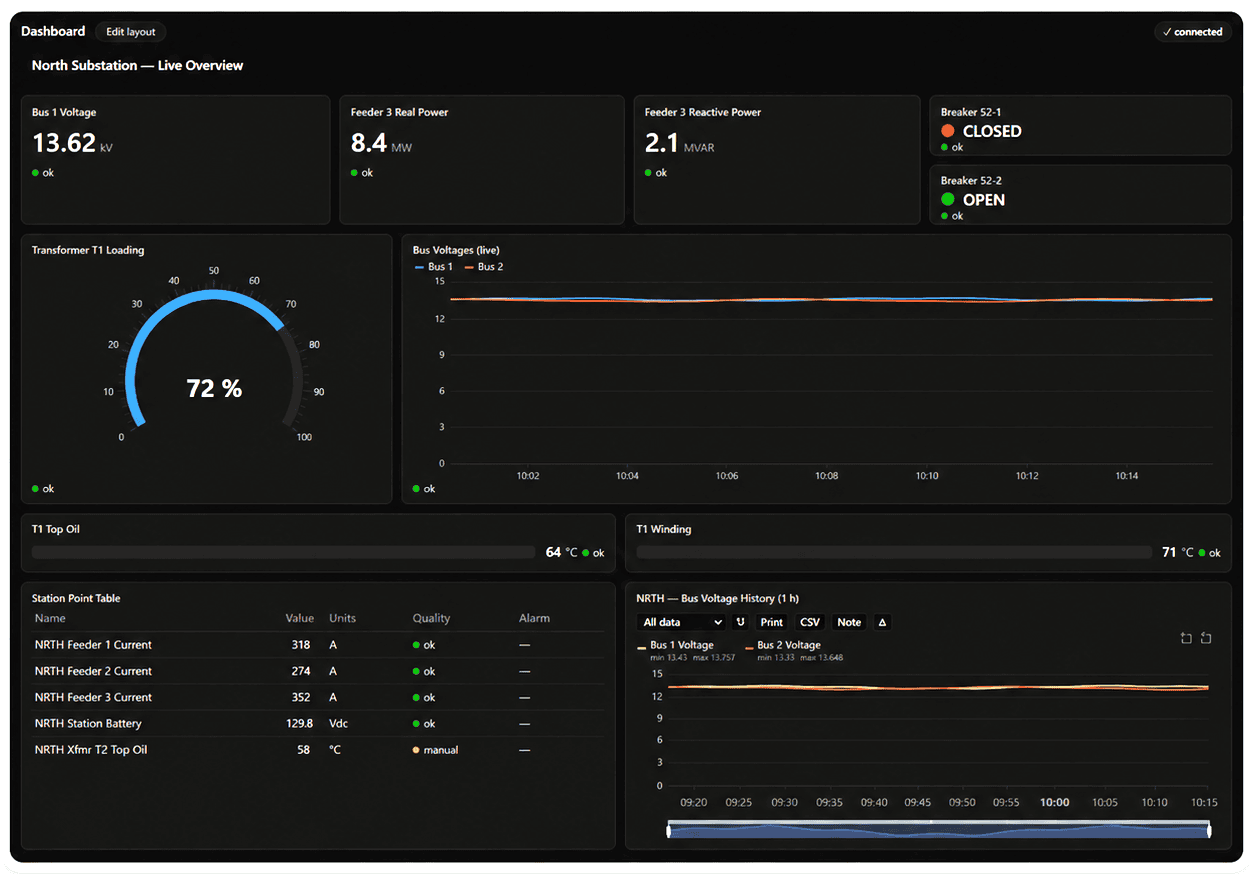
WorldView pairs hardware-accelerated, anti-aliased map graphics with a modern ribbon interface, selectable light and dark display themes, drag-and-drop dashboards, and web-rendered summaries and trend graphs, giving operators the same picture on the console or, through QWeb, in a browser. Operators sign in with their Windows credentials, work in their own language, and arrange multi-monitor consoles the way they work. It is a contemporary operator experience built on four decades of SCADA engineering.
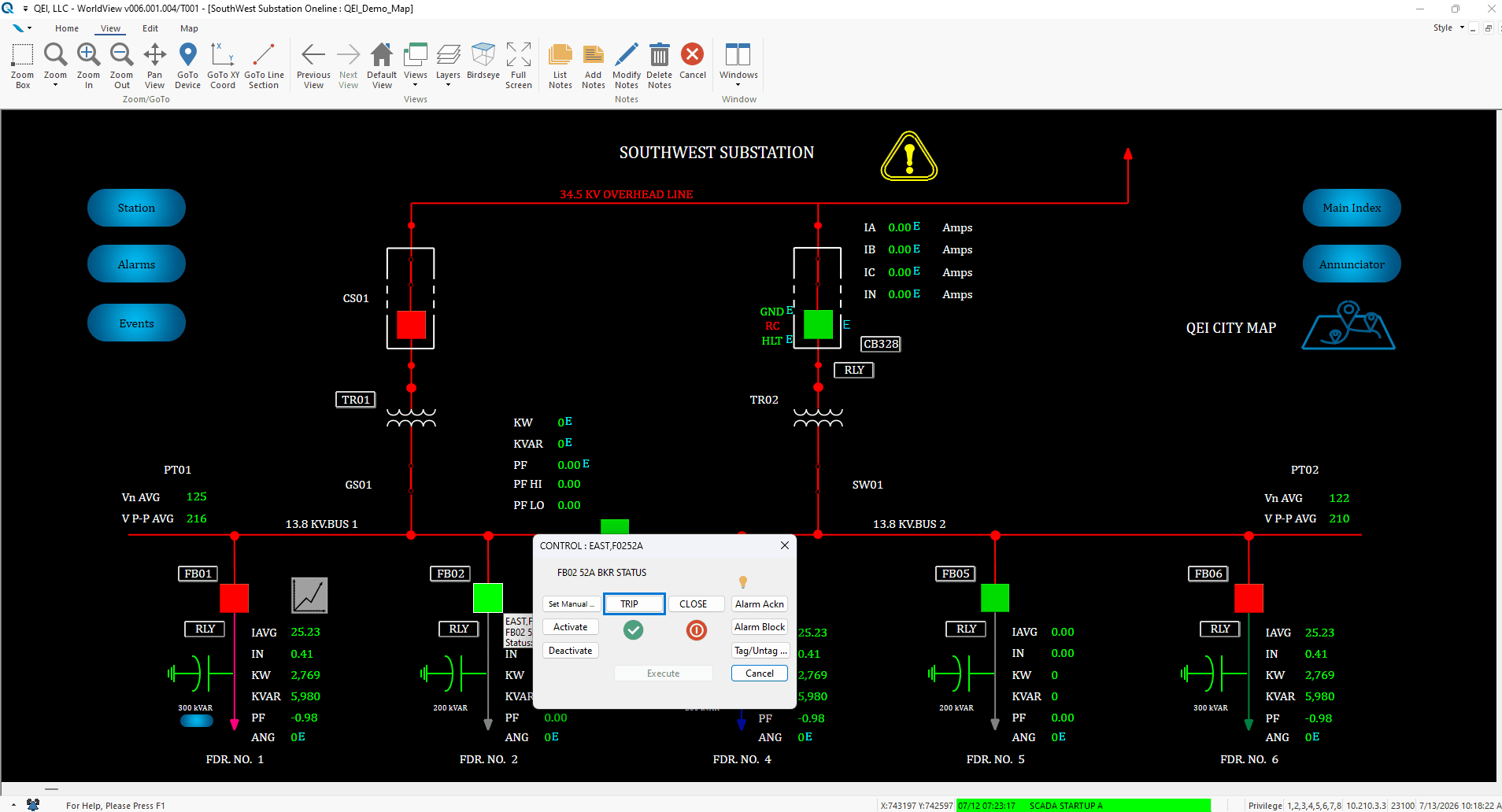
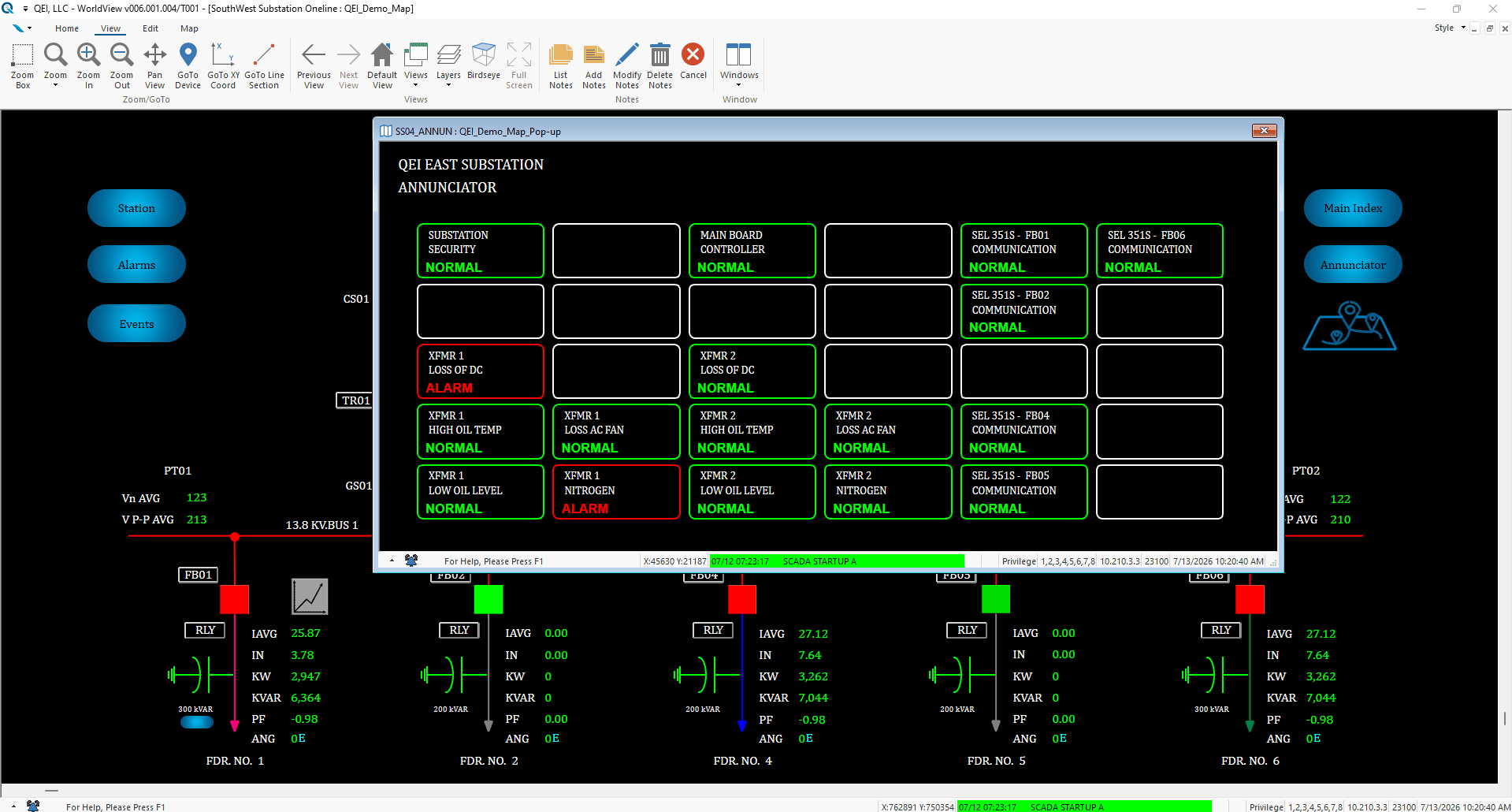
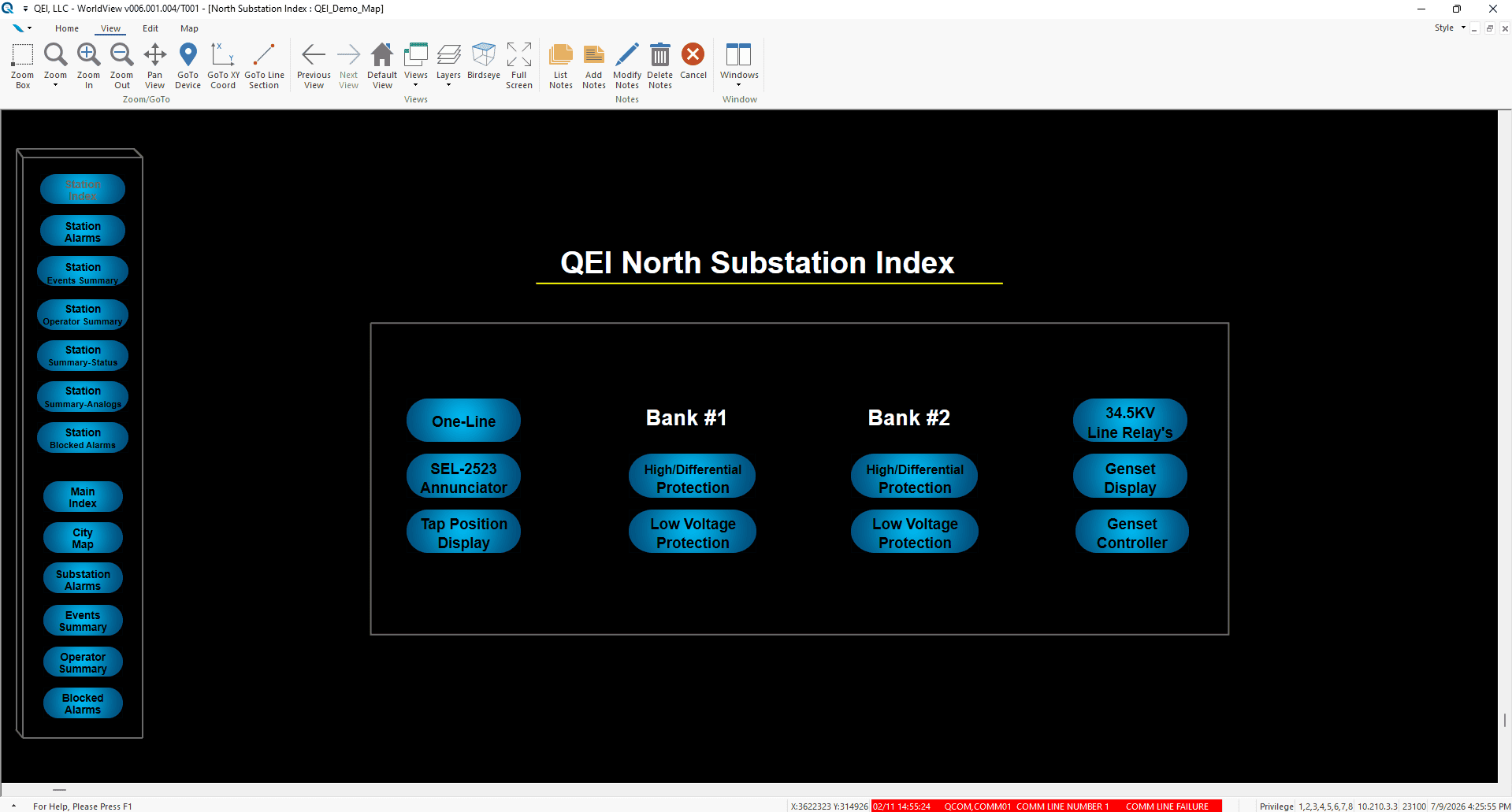
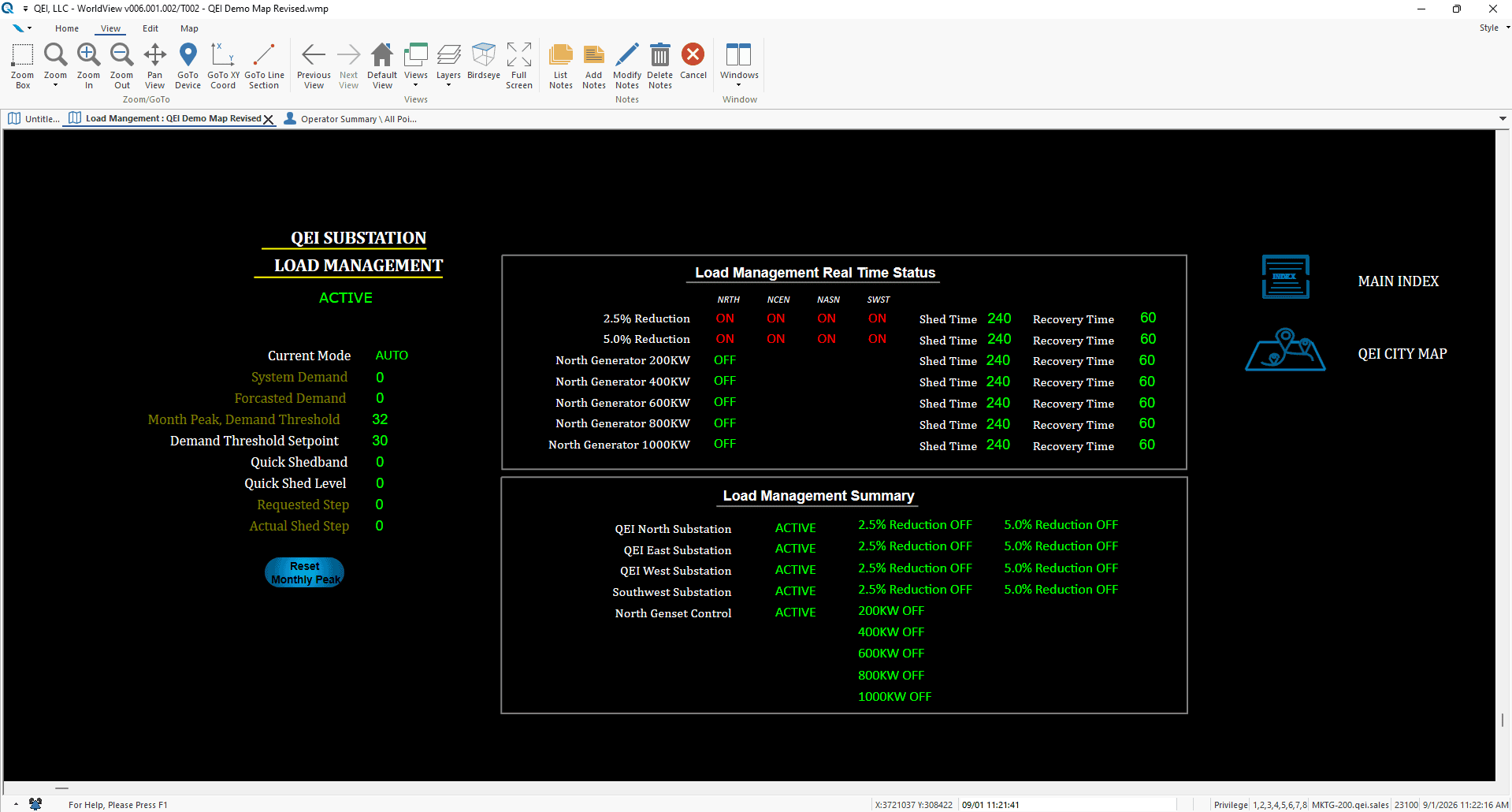
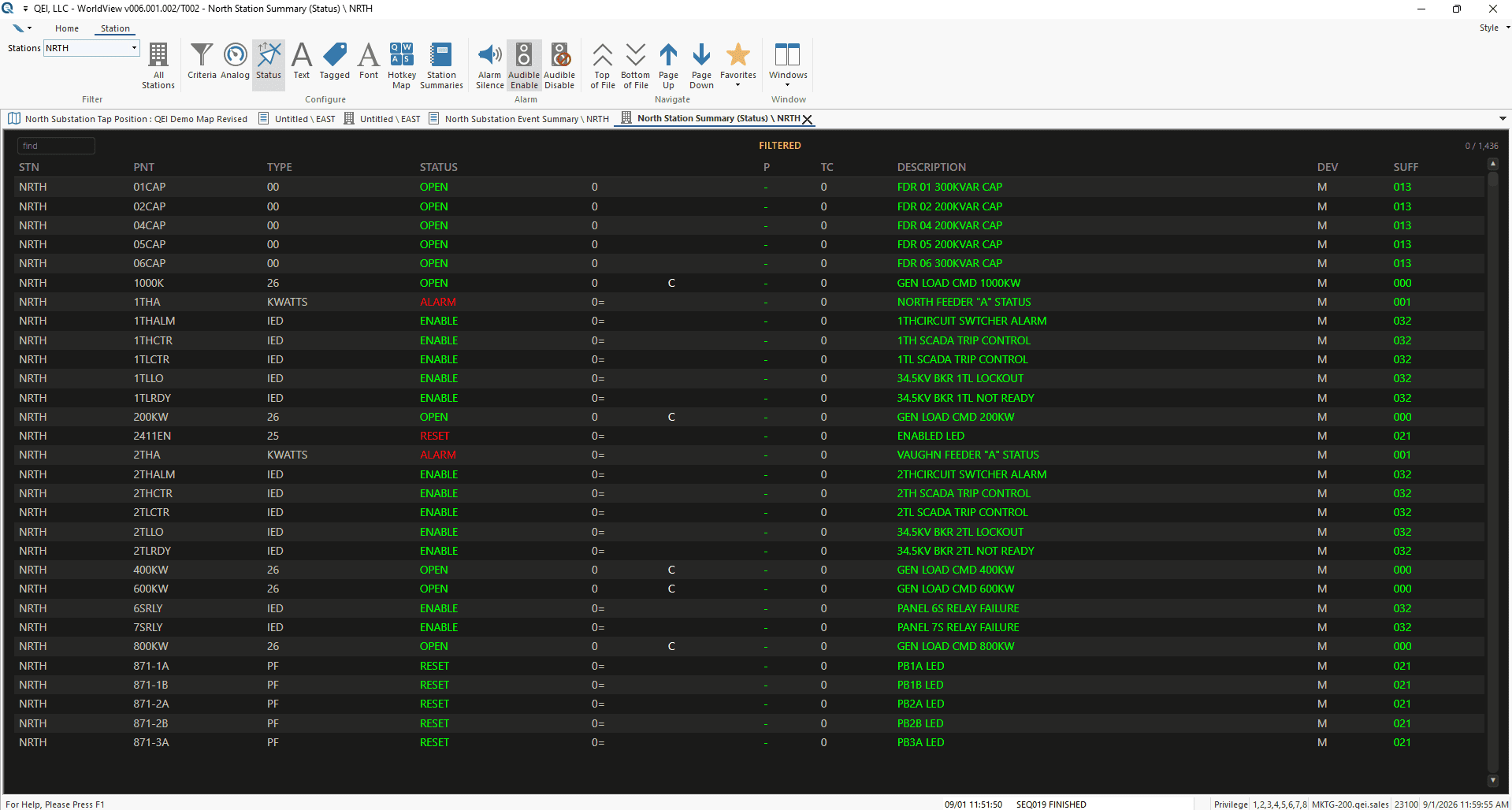
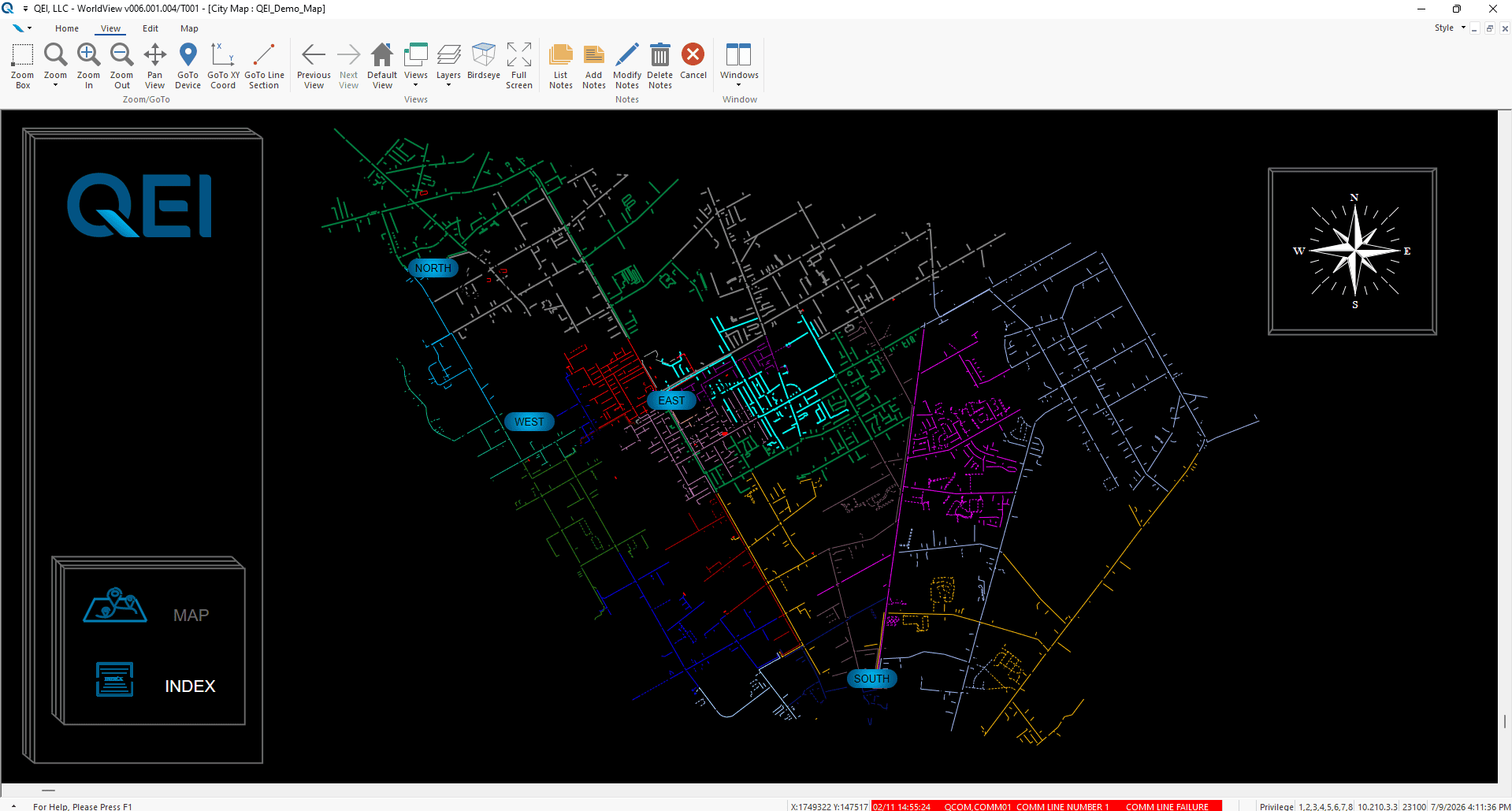
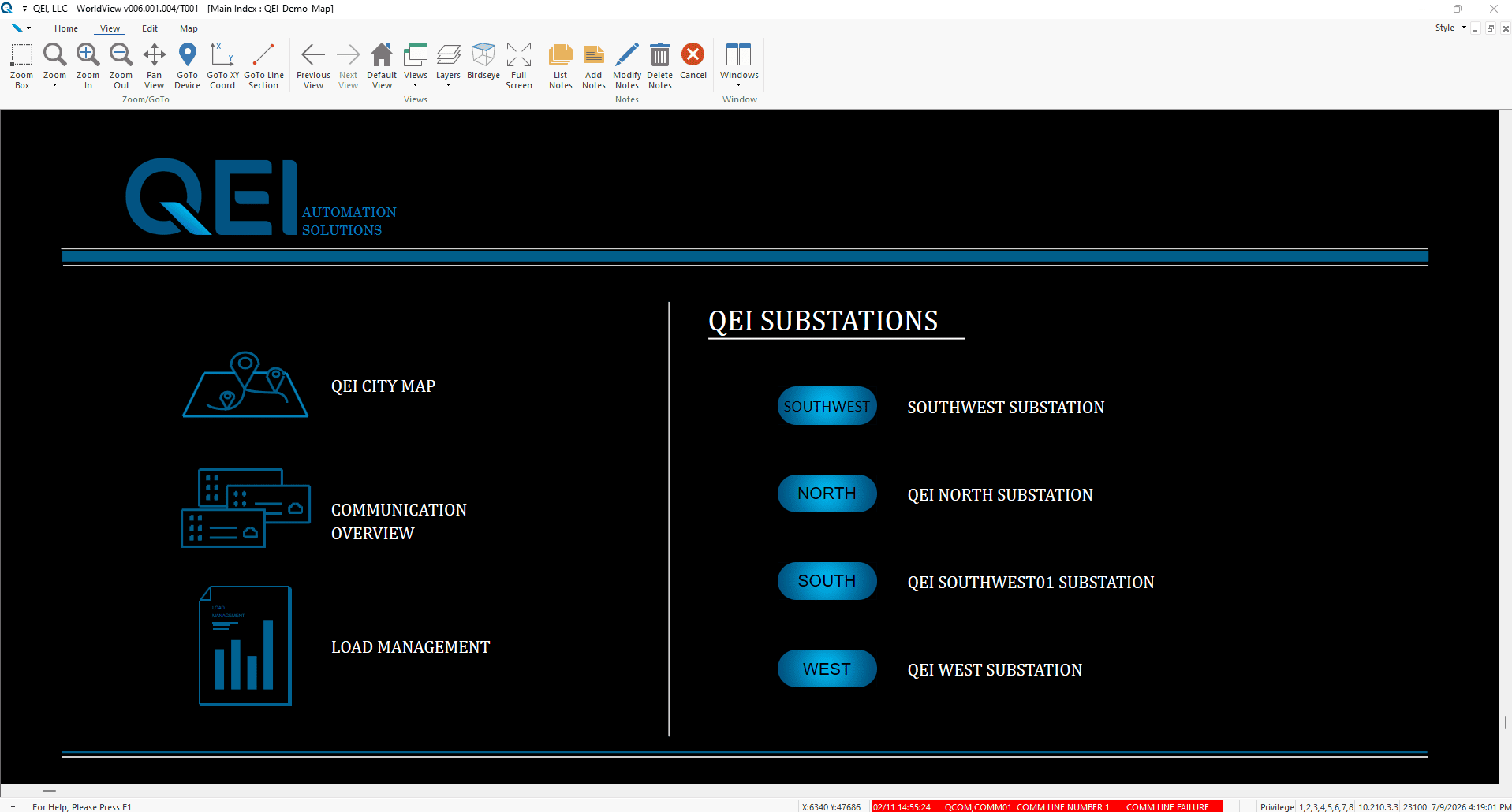
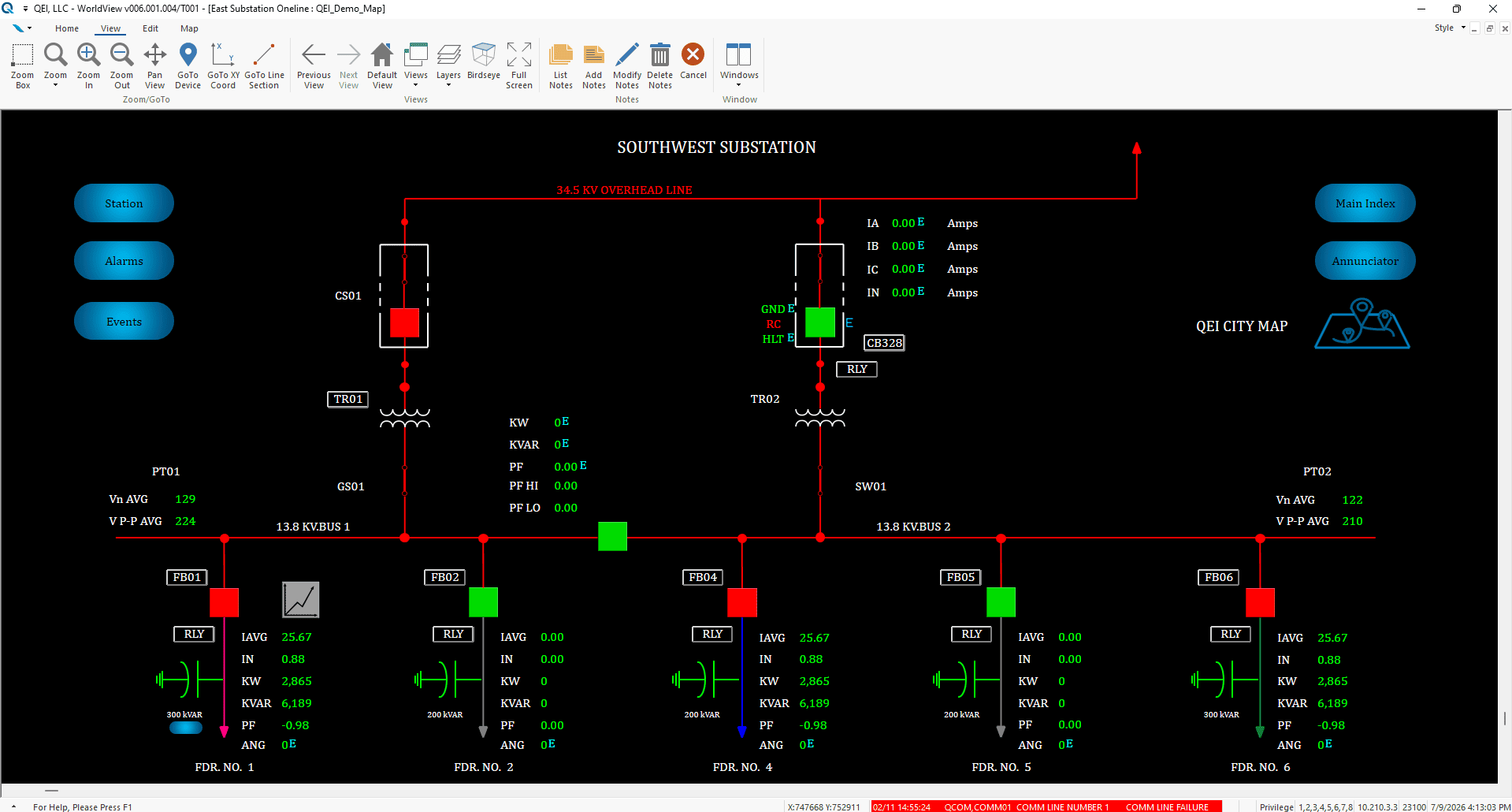
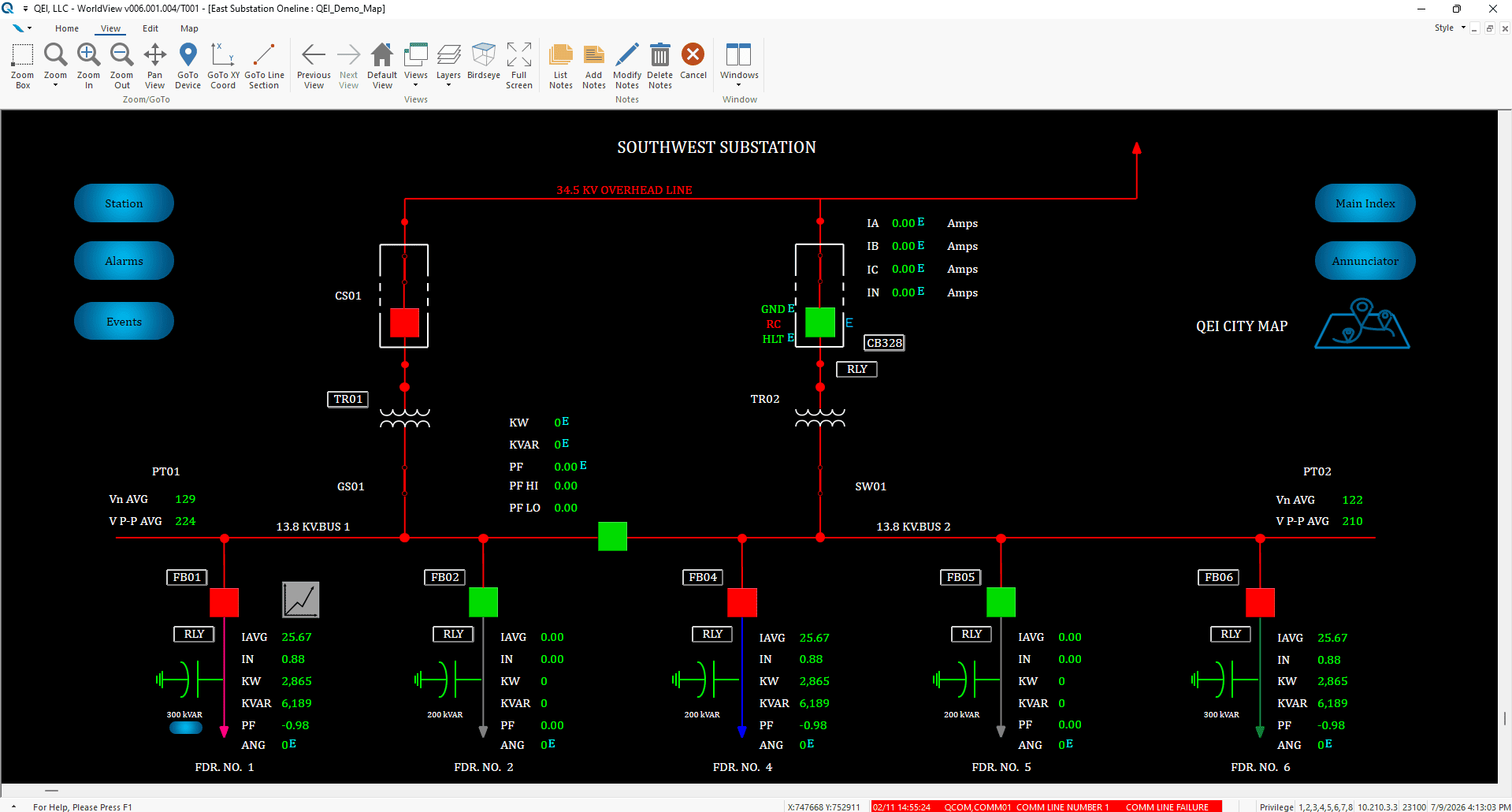
The WorldView environment provides quick access to a large number of graphic displays including:
- Single-line diagrams
- Geographical maps
- Trend graphs
- Summary displays
- Operations logs
- Tabular views
- Large library of dynamic objects and symbols
The graphic displays support layers, panning, zooming, decluttering, dynamic line coloring, hyperlinks, and many other display features. More conveniently, a map can be segregated into different views which are used to display a particular portion of the map at a particular zoom level. A map can have many views, and buttons are provided as a means to jump to a specific view.
Create Custom Dashboards Without Scripting
WorldView makes it easy for operators to create and customize displays and dashboards without scripting. Add widgets, position and resize them on a grid, assign points using the built-in station-and-point browser, and duplicate existing displays to quickly create new views.
QWeb extends the WorldView experience through a browser-based interface, giving authorized users access to modern SCADA displays beyond the control room without compromising display quality. Single sign-on through Active Directory and two-factor authentication provide secure, centrally managed access aligned with utility IT and cybersecurity practices.
What Our Customers Have to Say
It’s Easy to Get Started
STEP 1:
Schedule a Consultation Call
Let’s talk through your goals and what your current infrastructure looks like.
STEP 2:
We’ll Collaborate to Develop a Solution
We’ll develop a plan to modernize your infrastructure to meet your goals.
STEP 3:
Experience the Advantages of QEI
We’ll coordinate and execute the plans for your upgraded system.


 English
  Spanish